How to Make a Product Demo Video Without Recording Yourself
You shipped the update on a Tuesday night. The changelog is written, the deploy is green, and then comes the part that quietly eats the launch: the video. If you are a solo founder, learning how to make a product demo video without recording yourself is not a vanity trick — it is the difference between announcing what you built and letting it slip out in a bullet list nobody reads.
The recording-yourself tax, itemized
Recording a demo the usual way sounds free. It is not. Price it honestly, the way it actually goes:
- The setup. Webcam framed, microphone found, notifications silenced, the tab with the embarrassing test data closed. Twenty minutes gone before you say a word.
- The retakes. You know your product too well to explain it simply, so take one rambles. Take two has a siren in it. Take four is clean until you say the old feature name. Most solo founders land somewhere between take six and giving up.
- Your voice, on the internet, forever. Plenty of builders would rather ship in silence than narrate their own launch. That is not shyness to fix; it is a preference to route around.
- The edit. Trimming the pauses, adding captions, exporting the right size — an hour in an editor you open twice a year, for sixty seconds of video.
A screen recorder fixes exactly one line of that list: it captures the screen. You still write the script in your head while talking, you still narrate, you still retake, and you still edit. For a quick internal walkthrough or a bug report for one customer, that trade is fine — record it, send it, done. For the video that announces your launch to people who have never heard of you, the rough edges are the message they receive.

How to make a product demo video without recording yourself, step by step
Clipnote starts from the thing you already wrote: your release notes. There is no camera step, no microphone step, and no editor step. Here is the whole workflow, exactly as it runs on the site:
- Paste your notes. Drop in your changelog, your release notes, a GitHub release, or even rough bullets. Whatever you already wrote for the release is the raw material — you do not write a separate script first.
- Read the full script before you pay anything. Clipnote turns your notes into a structured script for a 40–60 second video — six scenes, roughly 150 words of narration at a natural pace. Drafting and previewing that script is free — up to 3 script drafts a day, no account needed — and you approve the exact words before a single dollar moves. If the hook is wrong, you see it here, not after the render.
- Add up to 3 of your screenshots. Your real product screens get featured in the video, so viewers see your interface — not stock footage pretending to be it.
- Render it. One video is $29, one time. If you ship every week, the Clipnote Plan is $19 a month for 4 videos, and unused credits roll over instead of expiring.
- Post the finished video. Most videos are ready within a few hours, and always within 24 hours of payment. You get an email the moment your watch page is live, plus a shareable watch page and an MP4 download at 1280×720 — narrated, with captions burned in and no watermark.
That is the entire process. The step that disappears is the one that was blocking the launch: you, on camera, performing your own changelog.
An example, start to finish
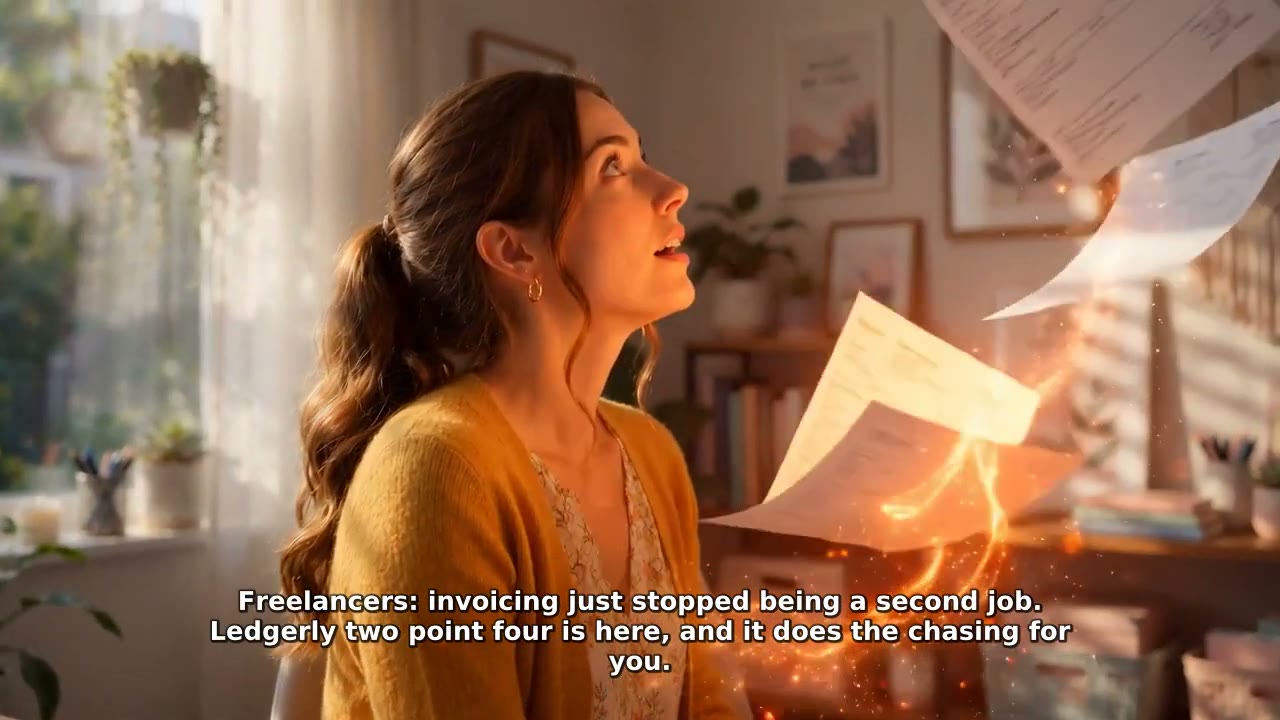
Say you run a small invoicing tool on your own, and this week you shipped recurring invoices and automatic late-payment reminders. Your release notes are five bullets. Pasted into Clipnote, the script you would review — before paying — opens with the pain, not the version number: "Freelancers: invoicing just stopped being a second job." The next scenes walk the two new features in plain language, your dashboard screenshots carry the proof, and it closes with a single call to try the new release. Six scenes, under a minute, in a steady narrator's voice that is not yours at 1 a.m.
Want to judge the output instead of the promise? The finished sample videos on the Clipnote homepage show real inputs — the exact notes that were pasted — next to the videos they became. Watch one before you paste anything.

When recording it yourself is still the right call
Honesty about the trade matters more than the pitch:
- A personal founder story is the point. If buyers are buying you — your face, your story, your credibility — record yourself. No narrator substitutes for that.
- The audience is one person. A support reply, an investor update, a walkthrough for a single client: a quick screen recording in your own voice is faster and warmer.
- You ship once a year. If a launch video is an annual event, an afternoon of retakes is a fair price.
Clipnote earns its $29 in the remaining cases: you ship often, the announcement needs to look and sound finished, and your voice and your evening are worth more than the fee. The free script exists precisely so you can test that judgment on your own release notes before paying.
Who this is for — and who it is not
For: solo founders and small product teams who ship regularly and want every release announced with a finished, narrated video — without booking a studio, learning a video editor, or performing on camera. Clipnote's own description of its audience is indie SaaS founders and small teams who ship often, and the workflow matches that life: notes you already wrote in, a watch page and an MP4 out.
Not for: anyone who needs a long-form tutorial, a live product walkthrough with real-time interaction, or a video longer than a launch announcement. A Clipnote video is 40–60 seconds. It announces the release; it does not document the product.
Frequently asked questions
What do I paste, exactly? Whatever you already wrote: a changelog, release notes, a GitHub release, even rough bullets. It becomes a structured 40–60 second script, and you see and approve the full script before paying anything.
Is the script really free? Yes — drafting and previewing the full script is free, up to 3 script drafts a day and with no account needed. You only pay when you want the video rendered: $29 for one video, or $19 a month for 4 videos on the Clipnote Plan.
How long is the video, and what do I receive? About 40–60 seconds across 6 scenes. You receive a shareable watch page and an MP4 download (1280×720), narrated, with captions burned in and no watermark, featuring up to 3 of your screenshots.
How fast do I get it? Most videos are ready within a few hours — always within 24 hours of payment. You are emailed the moment your watch page is live.
Do I need an account to try it? No. The script preview needs no account. Paste your notes on Clipnote and read the script first.
Announce the thing you already shipped
You did the hard part — you built it and shipped it. Paste this week's release notes into Clipnote, read the script for free, and if it sounds like your launch deserves to sound, render it for $29 and post the finished video within a day.
Related guide
Launch Video Checklist: What to Post on Launch Day, In Order
Finished video first, the hook line up front, captions on, each post in its slot — and the follow-up post that closes the day.