Launch Video Checklist: What to Post on Launch Day, In Order
It is 9 a.m. and you ship. The deploy went green an hour ago, the notes are written, and you do the thing that feels like launching: you post the changelog link with a line like "v2.4 is live — full notes here." Then you refresh. And refresh. Nothing. The link post is the quietest way to announce the loudest thing you did all month. This product launch video checklist fixes launch morning — what goes first, what each post needs, and the one post almost every solo founder forgets.
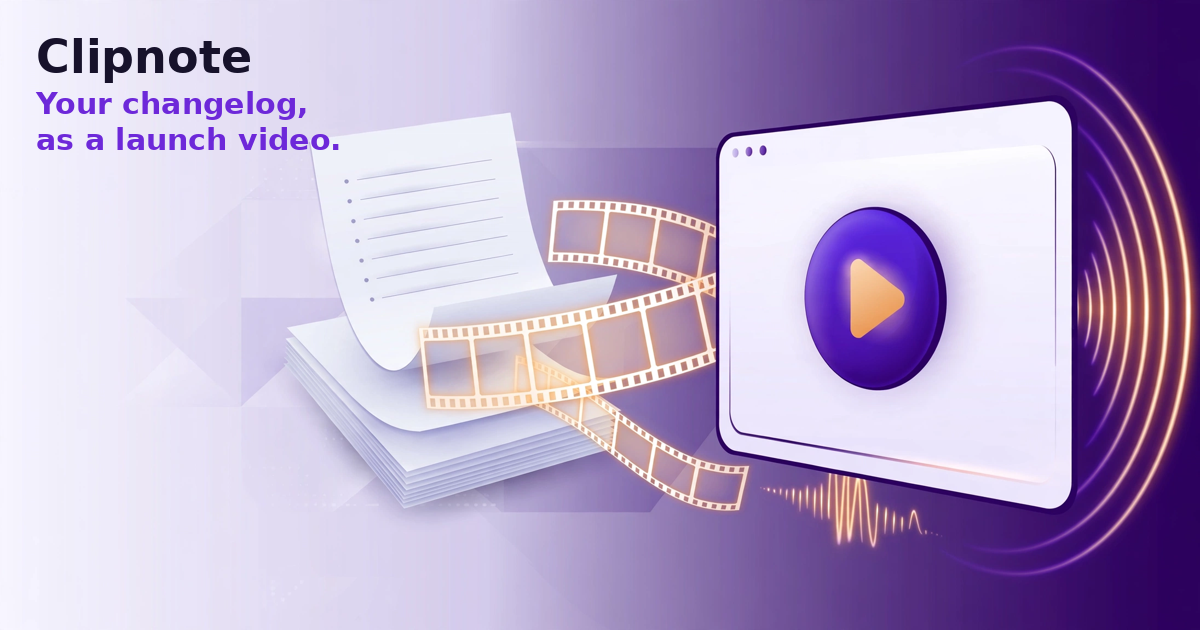
The product launch video checklist, in order
The sequence matters more than any single item. Work down the list; do not start at step three because it feels easier.
- The finished video goes first. Before the link, the thread, or the email — the first thing the world sees is the finished video: 40–60 seconds, narrated, showing the release working. A changelog link asks a stranger to do homework. A video makes the case in under a minute, right in their feed.
- The hook line leads — everywhere. The first line of your post text and the first seconds of the video say the outcome, not the version number. "Invoices now chase late payers for you" launches a product. "Version 2.4 is here" launches a filing exercise. Write the hook the night before, while you are calm — not over coffee.
- Captions are on, burned in, readable on a phone. Most viewers meet this video muted, on a phone, between other things. If the words are not on the screen, it is a silent slideshow for most of them. Check caption size on your own phone before posting.
- Each post goes in its slot. Morning: the launch post with the video, where your audience is. Right under it, as a reply: the changelog link — now it works, because viewers now want the details. Midday: the same video in your users' community, framed for them, not pasted identical. Afternoon: the short email to your list, video at the top, for everyone who never opens social apps. One release, four doors into it.
- The follow-up post closes the day. A launch is a day of surface area, not one post. Before the day ends, post once more: the best screenshot moment from the release, or a user question from that morning, answered in public. The follow-up is where early users answer back — the step that turns a post into a launch.
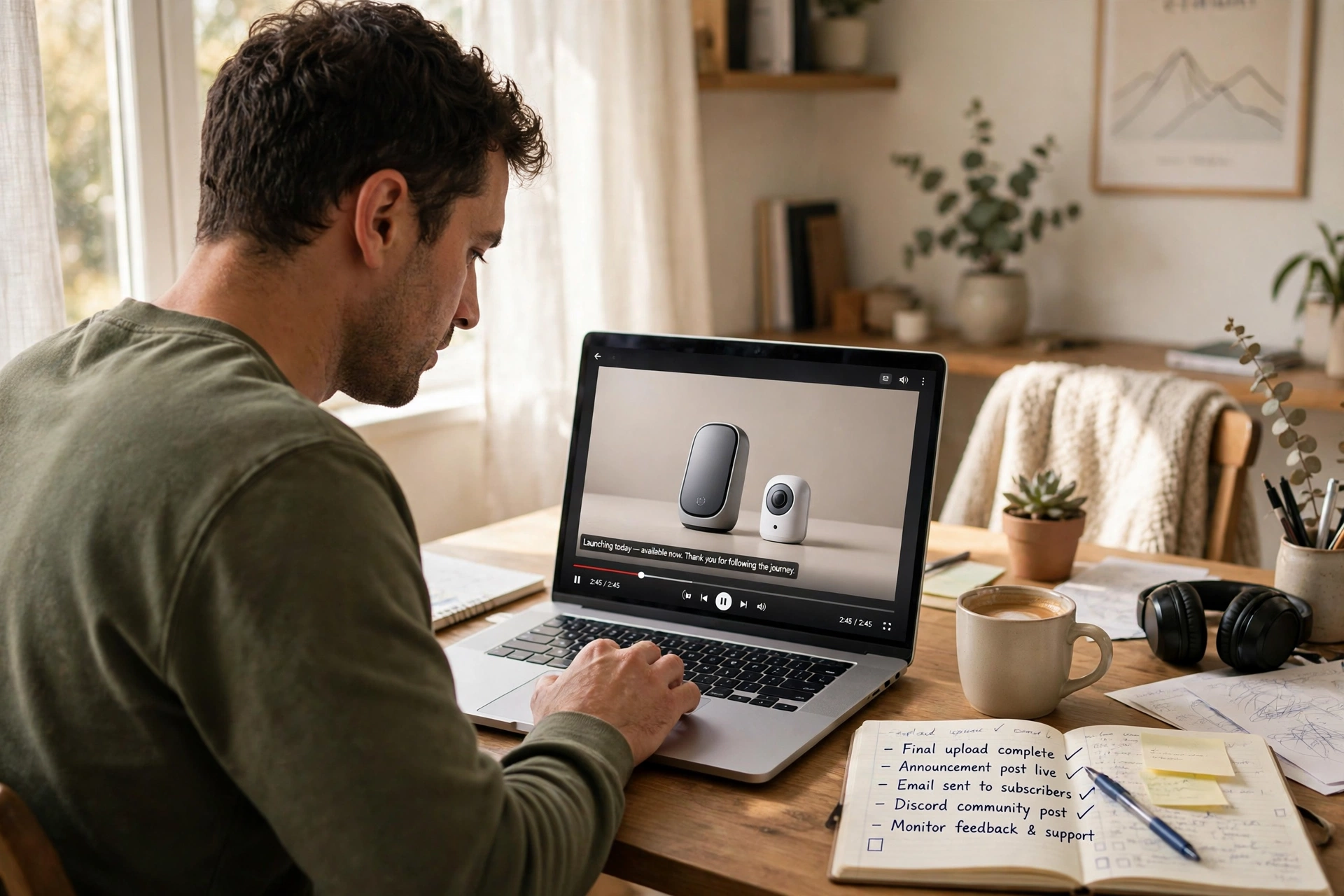
Where the finished video comes from
Step one is the bottleneck: the video has to exist, finished, before 9 a.m. — and recording it yourself the night before is how launches slip. That is the honest place to answer the objection every founder raises here: "I can record it free myself." You can. This checklist works with a video you record at your desk tonight; nothing above depends on where the video came from. Clipnote's pitch is narrower and simpler: you never record at all.
Clipnote starts from the release notes you already wrote. Paste them into the homepage composer, and it drafts the full script for a 40–60 second video — drafting and previewing that script is free, up to 3 script drafts a day, no account needed — so you approve the exact words before paying anything. Add up to 3 screenshots and they feature in the video. One finished video is $29, one time. If you ship every week, the Clipnote Plan is $19 a month for 4 videos — in the site's own words, for teams that ship every week. Most videos are ready within a few hours, always within 24 hours of payment; you get an email the moment your watch page is live, plus a watch page and an MP4 download at 1280×720 — narrated, captions burned in, no watermark.
Judge the output first: the Clipnote homepage runs on a proof pair — "These notes went in. This video came out." — the exact notes beside the finished videos they became. Still weighing the recording route? Our earlier guide walks through how to make a product demo video without recording yourself.
An example: one release, one launch morning
Here is the checklist on a real-shaped morning — a small invoicing tool shipping recurring invoices and automatic late-payment reminders on a Friday:
- Thursday, 7 p.m. The release notes are final — five bullets. They go into Clipnote; by 7:20 the script is approved, screenshots attached, render ordered. The hook line goes into the launch post draft: "Your invoices now send themselves — and chase the late ones."
- Friday, 8:40 a.m. The finished video is back — it arrived by email hours earlier. Captions checked on a phone. Coffee still hot.
- 9:00 a.m. The launch post goes out with the video and the hook line. Not the link. The video.
- 9:05 a.m. The changelog link lands as the first reply, for those the video convinced.
- 1:00 p.m. The community post: same video, opening line rewritten for the founders' group it lands in.
- 4:00 p.m. The list email, video at the top, one sentence of context.
- 6:30 p.m. The follow-up post: a screenshot of the late-payment reminder doing its job, captioned with the question two users asked that morning. The day ends with a conversation, not a link.
Nothing there is heroic. Every step was decided the night before, and the video — the step that usually eats the morning — was already finished.
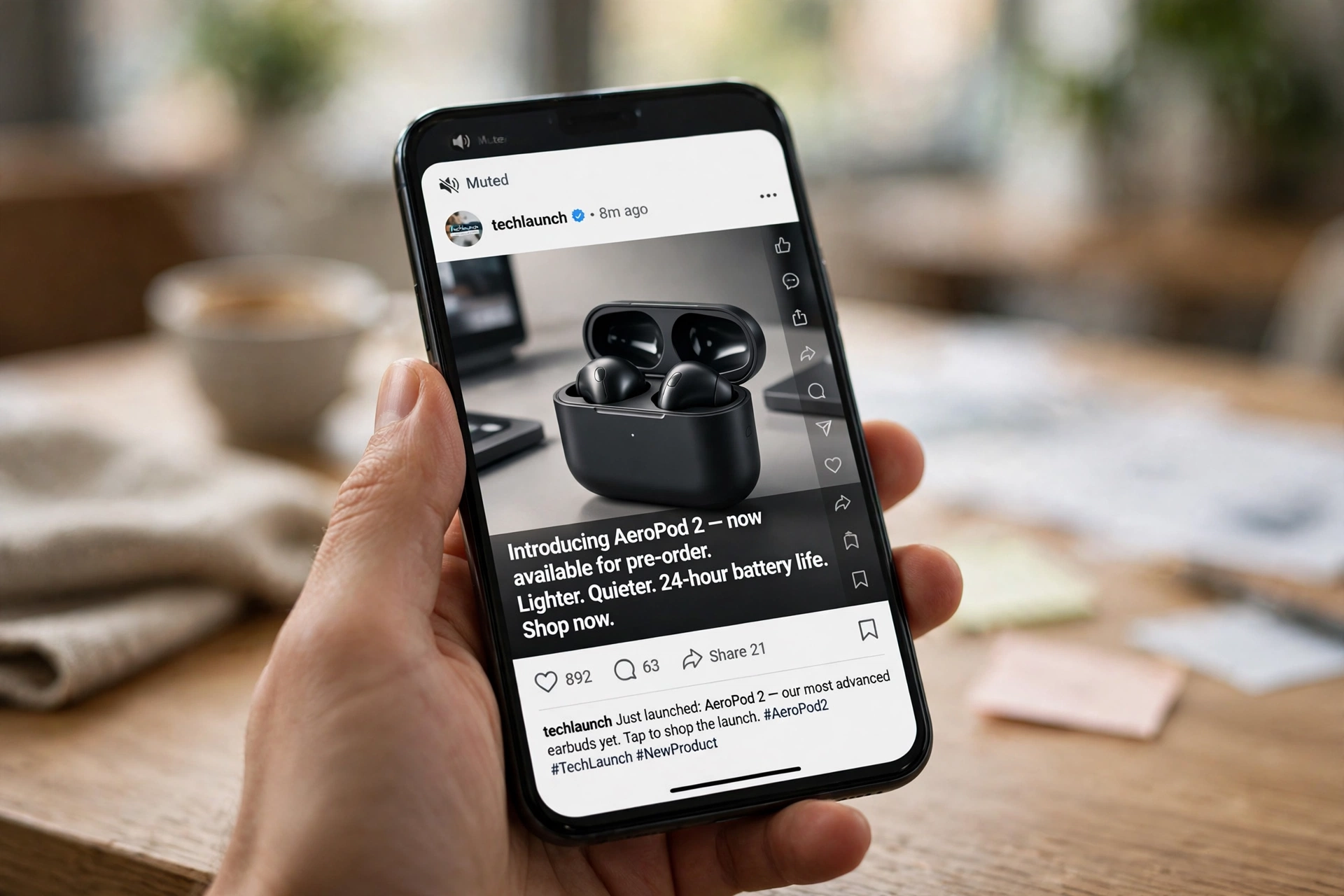
Who this checklist is for — and who it is not
For: solo founders and small teams who ship regularly and announce releases — on social feeds, in communities, and to an email list. It assumes launch morning is a routine worth having, and that a finished 40–60 second video is the announcement, with the changelog as support.
Not for: a launch whose audience is one sales call, an enterprise rollout through account managers, or a product that ships once a year with a keynote attached. Those launches run on different physics. This one is for the founder whose launch channel is a feed and whose team is a laptop.
Frequently asked questions
Does this checklist work with a video I record myself? Yes. Every step — video first, hook line, captions, the posting order, the follow-up — works with any finished video, however you made it. Clipnote only changes step one: instead of recording, you paste your notes and approve a script.
How long should a launch video be? Short enough to finish. A Clipnote video runs 40–60 seconds across 6 scenes: the outcome, the two or three changes that matter, one call to action. Anything else belongs in the changelog the video points to.
When should the video be ready? Before launch morning. Most Clipnote videos are ready within a few hours of payment, always within 24 hours — so ordering the evening before, right after the notes are final, puts the finished video in your inbox before the 9 a.m. post.
What does Clipnote cost? The script draft and full preview are free — up to 3 drafts a day, no account needed. Rendering one video is $29, one time. The Plan is $19 a month for 4 videos, for teams that ship every week.
What do I actually receive? A shareable watch page and an MP4 download (1280×720): a narrated 40–60 second video with captions burned in, no watermark, up to 3 screenshots featured. You are emailed the moment the watch page is live.
Run your next launch in this order
Your next release deserves better than a link and a refresh button. The night before it ships, paste its notes into Clipnote, read the script for free, and have the finished video waiting when 9 a.m. comes.