Product Demo Video vs Screen Recording: Which One Your Launch Actually Needs
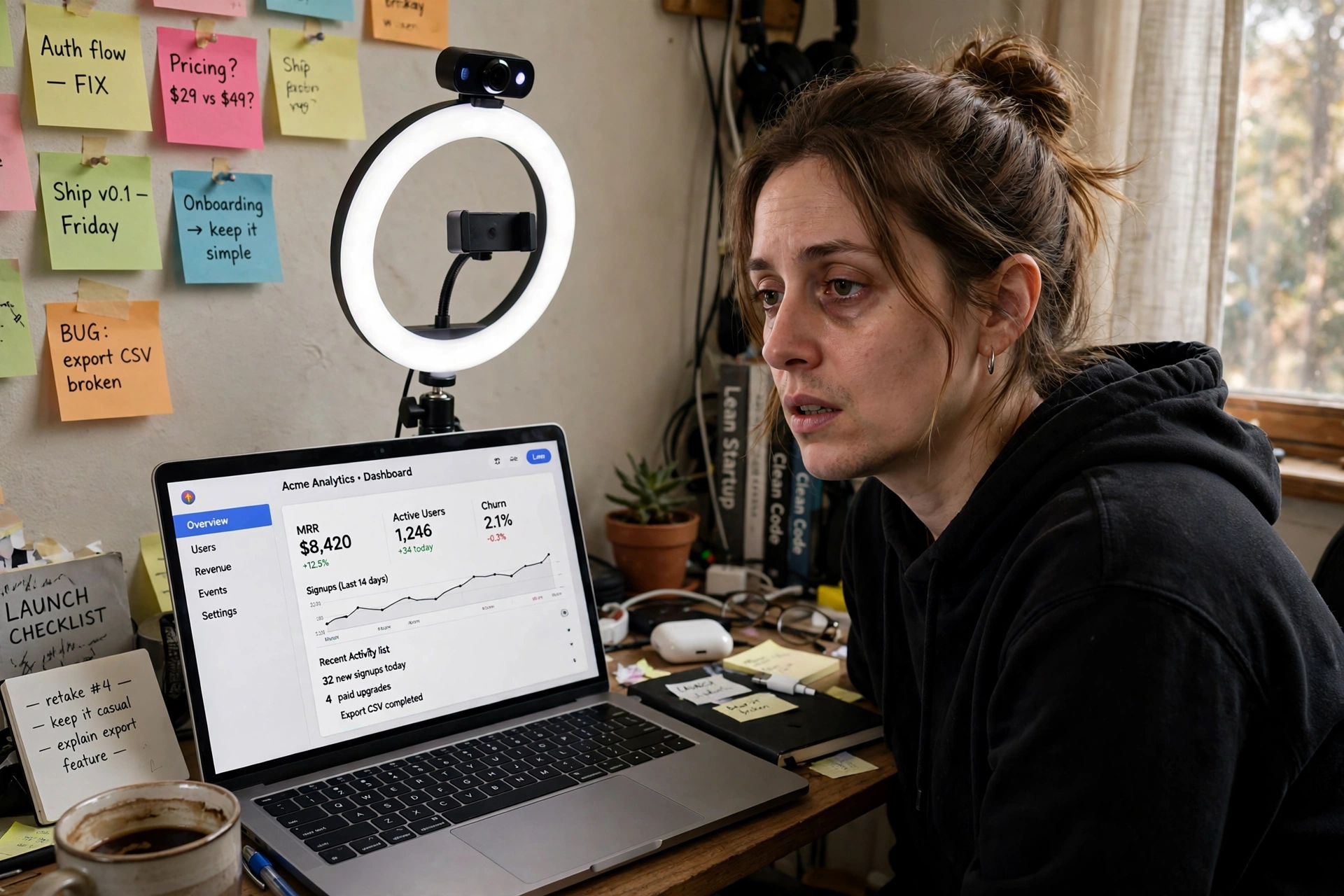
You shipped at 4 p.m. By 5 p.m. you are on take six of a screen recording: the cursor wandered, you said "um" through the best part, and the notification you forgot to silence is now part of the launch. The product demo video vs screen recording question is not about tools. It is about which job you are doing — showing your team how something works, or convincing a stranger in a feed to care in under a minute. Those jobs want two different videos.
The two jobs, stated plainly
A screen recording is you, live, walking through the product: your cursor, your voice, your pace. Fast to start, personal, easy to redo when the product changes next week — useful if viewers already care enough to sit through it.
A finished launch video is built for people who do not care yet: 40–60 seconds, a script written before anyone records anything, narration, captions on the screen, one outcome up front and one call to action at the end. It is slower to make by hand — which is why most founders record instead, and why most launches open with a walkthrough nobody finishes.
Neither format is "better." The mistake is using one for the other's job.
When a screen recording genuinely wins
Say this plainly, because it is true: sometimes you should just record your screen.
- Internal walkthroughs. Showing a teammate where a setting lives? Your voice, your cursor, five unpolished minutes. A finished video here would be slower and worse.
- A personal pitch to one person. A recording for a named prospect, where you say their name and click through their use case, lands precisely because it is personal. Polish would hurt it.
- Fast-moving features. If the screen will look different next Tuesday, a recording you can redo in ten minutes beats a finished video that is out of date on arrival.
- Bug reports and support replies. "Here is what happens when I click this" wants a raw capture, not a production.
If your audience already knows you and will watch past the first minute, record and send it today.
Product demo video vs screen recording: when the finished video wins
- The public launch post. A feed viewer gives you seconds, muted, on a phone. A walkthrough opens with a menu bar. A finished video opens with the outcome — "invoices now chase late payers for you" — captions burned in, so the point lands muted.
- People who have never seen the product. A recording assumes context: which page this is, why this button matters. A script has to earn every second, so it supplies the context and cuts everything else.
- Anywhere the video outlives the week. Your launch post gets shared, pinned, and embedded. A finished 40–60 second video still works in three months. A rambling recording dates fast.
- When you hate being on mic. Not vanity — arithmetic: if recording means six takes and an evening of trimming, the "free" option costs the scarcest thing a solo founder has.
The split, in one line: known audience, detail job, short shelf life — record. Strangers, persuasion job, long shelf life — finish the video. That is the whole product demo video vs screen recording decision.
How Clipnote makes the finished one — without recording
Clipnote exists for the second column. It starts from the release notes you already wrote — a changelog, a GitHub release, or rough bullets — pasted into the composer on the homepage.
- The script comes first, and you read it before paying. Clipnote drafts the full script for a 40–60 second video, across 6 scenes. Drafting and previewing it is free — up to 3 drafts a day, notes from 40 to 8,000 characters, no account needed — so you approve the exact words before any money moves.
- Your screenshots go in the video. Add up to 3 screenshots and they are featured in the finished piece, so viewers see your real product, not stock footage.
- You get a finished file, not a project. One video is $29, one time. If you ship every week, the Clipnote Plan is $19 a month for 4 videos. Most videos are ready within a few hours, always within 24 hours of payment. You are emailed the moment your watch page is live, and you receive a shareable watch page plus an MP4 download at 1280×720 — narrated, captions burned in, no watermark.
The homepage proves the route plainly — "These notes went in. This video came out." — the exact notes beside the finished videos they became. If recording is still tempting, our first guide covers how to make a product demo video without recording yourself.
An example: one release, both formats, each in its place
Here is the split in practice — an example, built around a small scheduling tool shipping calendar sync and automatic reminders:
- For the team channel, Tuesday: a four-minute walkthrough — where the sync toggle lives, what the error state looks like, what to tell users who ask. Unpolished, recorded once, perfect for three people who already care.
- For the launch, Thursday: the same notes go into Clipnote at 7 p.m. The script draft is free — one of the day's 3 drafts, no account — and leads with the outcome: "Your bookings now confirm themselves." Two screenshots go in. By morning the finished video is back: under a minute, captioned, ready to post.
- The result: users who want depth get the walkthrough, linked from the changelog. Everyone else meets the 50-second version first and clicks through.
Record for the people who need the tour. Finish a video for the people who need a reason.

Who this is for — and who it is not
For: solo founders and small teams announcing releases in public whose walkthroughs keep dying in retakes, who want a finished 40–60 second video without a studio or an editor.
Not for: internal training, support walkthroughs, or one-to-one pitches. Record those yourself, today, in your own voice — that is the right tool. Nor a product that ships once a year behind a sales team; that launch runs on booked demos, not posts.
Frequently asked questions
Can I just record my screen for free instead? Yes — and for internal walkthroughs, personal pitches, and fast-changing features, you should. A recording only loses when the audience is strangers in a feed: muted phones, no context, a few seconds to decide. That is the job a finished launch video is built for.
How long is a Clipnote video? 40–60 seconds, across 6 scenes: the outcome, the two or three changes that matter, one call to action. The detail belongs in your walkthrough and changelog — the launch video earns the click that sends people there.
What does Clipnote cost? The script draft and full preview are free — up to 3 drafts a day, no account needed. Rendering one finished video is $29, one time. The Plan is $19 a month for 4 videos, for teams that ship every week.
Do I record my voice or appear on camera? No. You paste your notes, approve the written script, add up to 3 screenshots. The video comes back narrated, captions burned in, no watermark — an MP4 at 1280×720 plus a shareable watch page, most within a few hours of payment and always within 24 hours.
Make the version strangers will actually watch
Keep recording walkthroughs for your team — they work. But for the launch the world sees, paste tonight's release notes into Clipnote, read the script for free (up to 3 drafts a day, no account needed), and post a finished video instead of take six.
Related guides
Launch Video Checklist: What to Post on Launch Day, In Order
Finished video first, the hook line up front, captions on, each post in its slot — and the follow-up post that closes the day.
How to Make a Product Demo Video Without Recording Yourself
Paste your release notes, approve a free script, get a narrated video within 24 hours. The recording-yourself tax, itemized — and the workflow that skips it.